
Connect and automate sevDesk
Your no-code integration tool to link sevDesk with Salesforce.
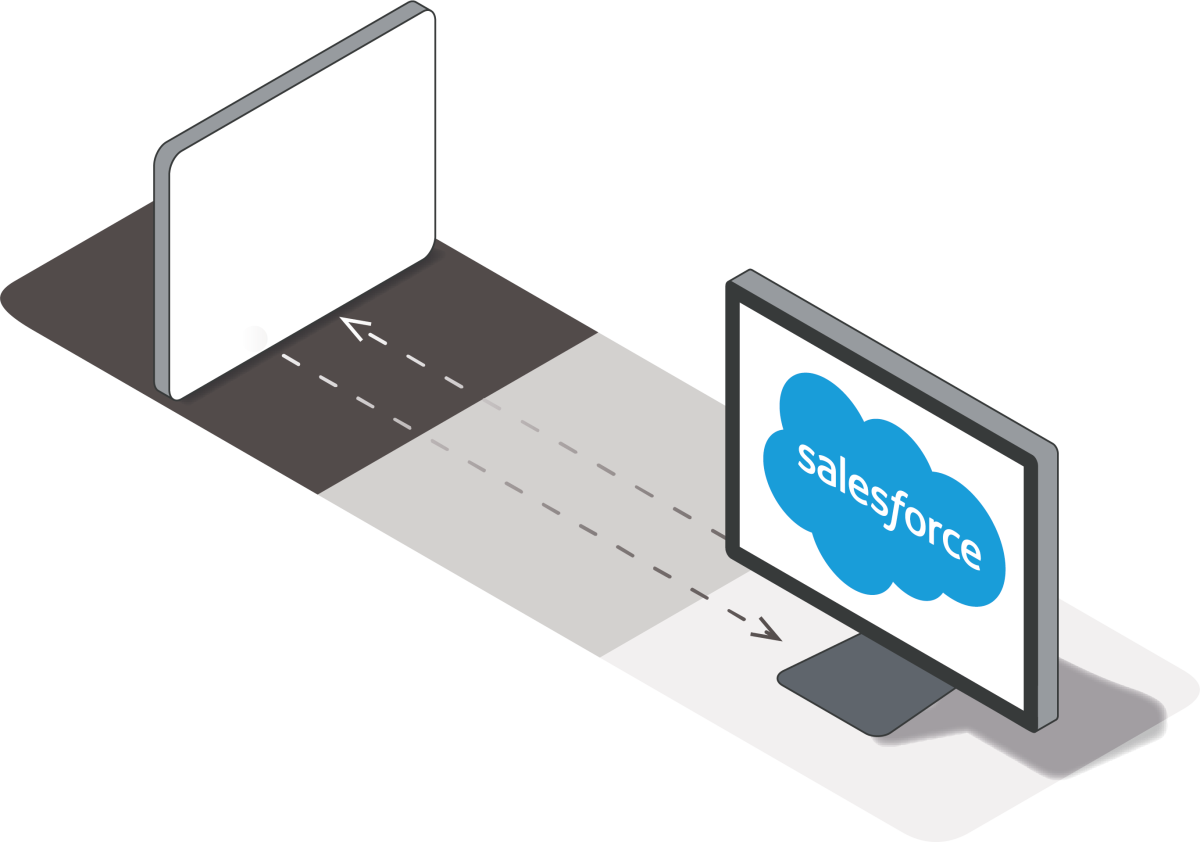
With integraid and the Maesn Unified API, you connect sevDesk directly to Salesforce—automating your accounting processes and keeping financials in sync.
Auto-sync customers, invoices, payments & receipts between sevDesk and Salesforce
Option for bidirectional data flows—e.g., create invoices in CRM and push to sevDesk
OAuth2 authentication via sevDesk developer portal—no plaintext credentials
Easy setup using integraid‑Maesn flows—no coding required

sevDesk
sevdesk is a cloud-based accounting and invoicing software designed for freelancers, self-employed professionals, and small to medium-sized businesses in the German-speaking market. It simplifies day-to-day bookkeeping with features like offer and invoice creation, digital receipt capture via AI, automated booking suggestions, VAT returns, and online banking integration — all GoBD-compliant and optimized for German tax requirements. With real-time dashboards, mobile apps, and support for E-Rechnungen (including XRechnung and ZUGFeRD), sevdesk gives businesses a clear view of revenue, open items, and cash flow while making collaboration with tax advisors easier via interfaces such as DATEV and ELSTER. And with integraid, you can connect sevdesk with Salesforce — without writing any code.
Zur Anbieter-WebseiteUse Cases:
-
Sync Customers, Invoices & Payments Between sevdesk and Salesforce
When customers, offers, or invoices are created or updated in sevdesk, integraid can automatically create or update Accounts, Contacts, Opportunities, and custom “Invoice” records in Salesforce. Payment status and open items stay in sync, so sales and finance always share the same view.
-
Create sevdesk Invoices Directly from Salesforce Opportunities
As soon as an Opportunity is marked “Closed Won” in Salesforce, integraid can generate the corresponding invoice in sevdesk — including customer data, products, VAT, and E-Rechnungsformate. This shortens the quote-to-cash process and avoids manual re-entry.
-
Automate Payment Matching & Dunning Workflows in Salesforce
Leverage sevdesk’s online banking and automatic payment reconciliation while integraid writes the matched payment status back to Salesforce. Overdue invoices can trigger tasks, reminders, or dunning journeys in Salesforce, giving your team full transparency over collections.
-
Build Finance & Sales Dashboards Across Both Systems
Bring key sevdesk metrics (revenue, open items, top customers, cost centers) into Salesforce and combine them with pipeline, churn, and upsell data. integraid keeps the numbers synchronized so management can analyze performance end-to-end — from lead to invoice to payment — in Salesforce dashboards.
Here is what you get
Why choose Integraid?
Integraid supports you by seamlessly connecting your apps to Salesforce, automating workflows without coding, enabling independent integration management, and offering clear guidance through easy-to-follow tutorials.
easy setup
done in minutes
Setting up your desired application's API takes minutes instead of weeks. Our intuitive interface, combined with clear, step-by-step video tutorials on YouTube, empowers you to manage integrations on your own.
seamless connection
no obstacles
Streamline your workflows effortlessly as your tools and systems integrate smoothly within Salesforce. Say goodbye to manual processes and enjoy an optimized, efficient experience for your team.
your safeguard
securing your data
Rely on Salesforce’s built-in safeguards and SSL encryption from the third-party API of your choice to ensure your data remains secure at all times.
flexible compatibility
covering 98%
Easily connect with 98% of third-party APIs, whether it's a basic marketing tool or a sophisticated ERP system. Customizable to fit your requirements.